01
Discover Your Business
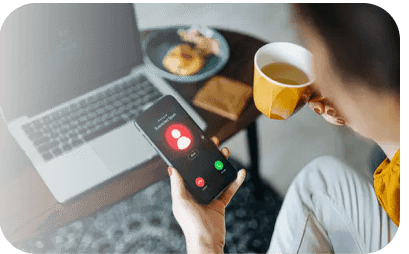
We learn how your business handles calls, customers, appointment, and follow-ups
- Understand your services
- Map common caller needs
- Define goals & success
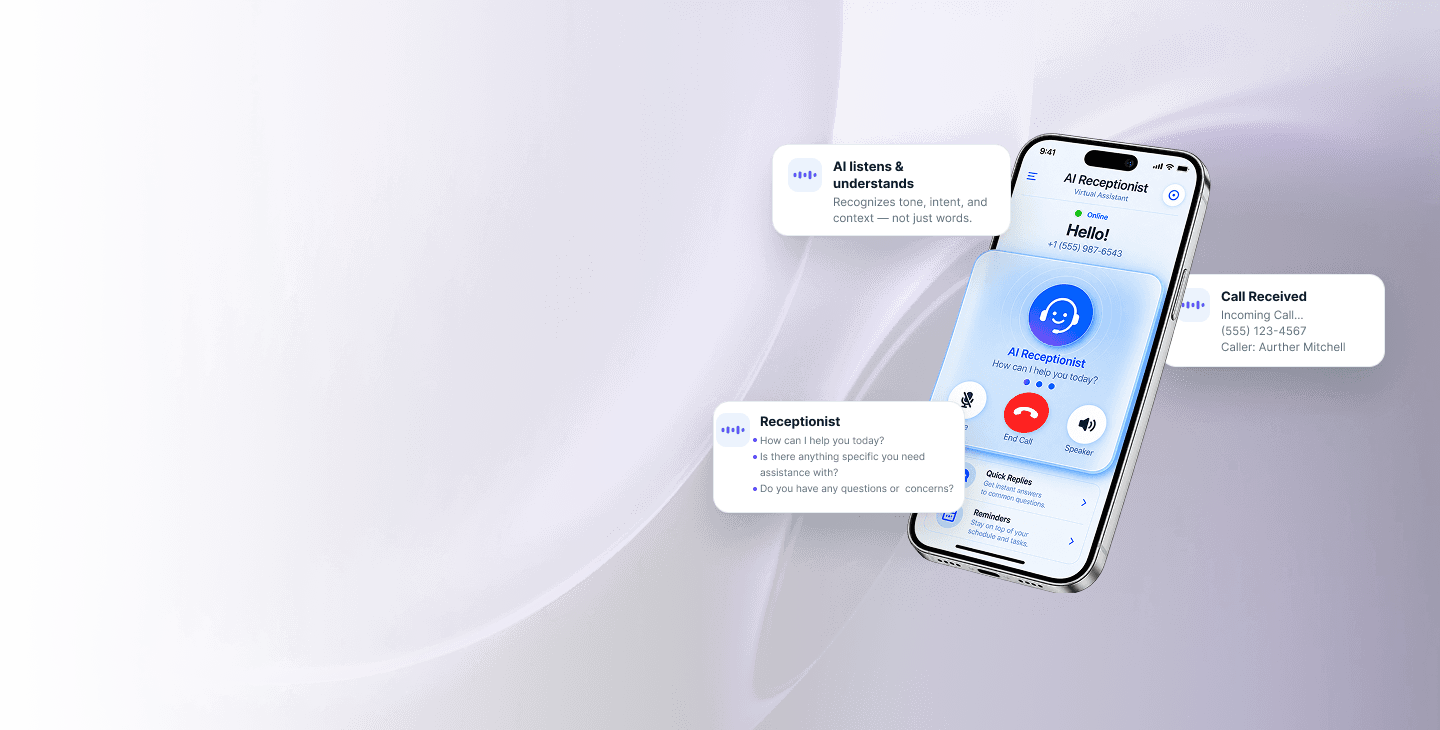
We make it simple. You get an AI receptionist that answers calls, books appointments, and keeps your business moving.
01
We learn how your business handles calls, customers, appointment, and follow-ups

02
We create the conversation flow, decisions, and action your AI Receptionist will follow.

03
We connect Vircera to your tools, test real scenarios, and launch your AI receptionist.

04
Vircera handles calls, books appointments, and improves performance over time.
What it can do
From the first question to the booked appointment — see what Vircera handles.
Answer calls after hours, on weekends, or whenever your team is busy.
Callers simply speak. No phone menus, button pressing, or robotic call trees.
Vircera doesn't just answer. It can complete the next step while the caller is still on the phone.
Set clear rules for when Vircera should handle the call and when a person should step in.
Give callers accurate answers about services, hours, locations, policies, availability, and more.
Check available times, offer options, confirm the caller's choice, and book during the call.
Find another available time and update an existing appointment without staff involvement.
Gather caller information and intent even when someone isn't ready to schedule.
Route conversations that need personal attention to the right member of your team.
See why the customer called and how the conversation ended.
Collect names, contact information, requested services, dates, preferences, and other information you need.
Give your team the important details without requiring them to replay or review the entire conversation.
Booked, transferred, callback requested, message taken, or another action you define.
Check availability and create appointments directly.
Keep appointments synchronized with your existing calendar.
Use your existing scheduling setup to manage appointment availability.
Connect Vircera with supported scheduling workflows specific to your business.
From “Are you available?” to booked
Vircera connects the conversation to the systems behind your business — so callers get things done without waiting for your staff.
Vircera looks at your live calendar and finds times that actually work.
The caller hears real options — not a menu, just conversation.
Vircera confirms the caller's choice and captures the details.
The appointment is created and synced instantly.

Answer service inquiries and turn callers into scheduled estimates or appointments.
Handle routine scheduling and admin inquiries while escalating conversations that need staff.
Capture new inquiries, schedule consultations, and route existing clients.
Keep the calendar moving without keeping someone tied to the phone.
Support
Your most frequent questions about voice AI technology and Vircera answered.
Yes. The agent can be configured to provide 24/7 coverage or only handle calls during the hours you choose.
The exact configuration depends on your current phone system and carrier. Vircera can be deployed around common call-forwarding and telephony workflows.
You define the fallback. Vircera can collect a message, create a callback request, or transfer the conversation according to your rules.
Yes, when Vircera is connected to a supported scheduling workflow, it can check availability and create appointments during the conversation.
Yes. Human handoff rules can be configured for specific callers, requests, situations, or business hours.
See how Vircera would handle your actual front-desk workflow.
Available 24/7 · Books in real time · Transfers when needed